
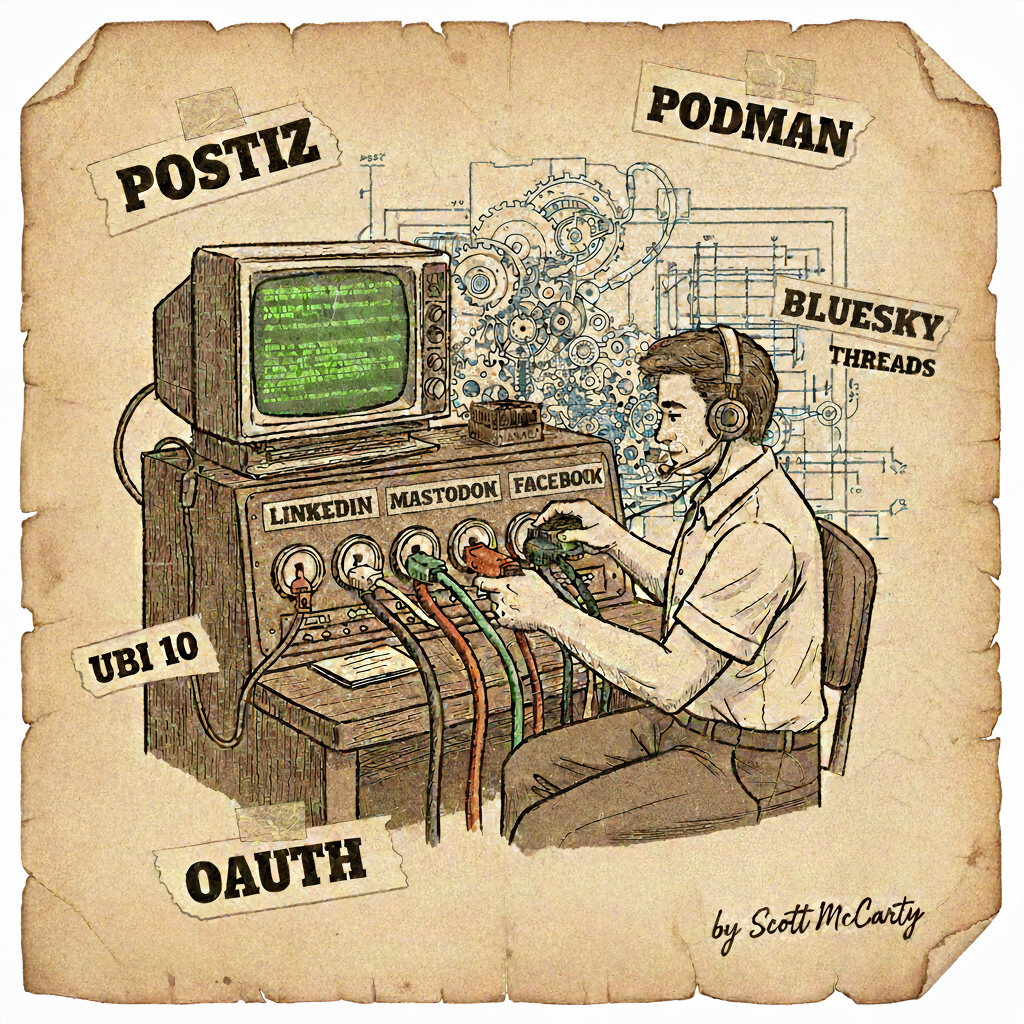
I replaced Buffer with a self-hosted instance of Postiz running on RHEL 10. One Podman container. Six social media platforms. Full API control. This is the technical walkthrough of what I built and what broke along the way.
Why One Big Container
The conventional wisdom says one process per container. That’s great advice until you’re deploying a full-stack app with four tightly coupled services and I don’t want to run Kubernetes. Postiz needs PostgreSQL, a cache layer, a workflow orchestrator (Temporal), and the app itself. For a single-instance self-hosted deployment, a systemd-managed container makes more sense than juggling four containers with Compose files and hoping they start in the right order.
I built a single UBI 10 container image that bundles PostgreSQL 16, Valkey 8 (the Redis fork), Temporal 1.29.3, Node.js 22, and nginx, all supervised by systemd inside the container. It’s the same pattern I used for my Zabbix deployment. One image, one podman run, done.
Why UBI 10
Building on Universal Base Image matters. You get a known supply chain: packages signed by Red Hat, CVE tracking, predictable update cycles. When you’re self-hosting a service that manages OAuth tokens for six social media accounts, you want your base image to be boring and trustworthy, not some random community image that hasn’t been updated in nine months.
The Containerfile uses a four-stage build. Stages one and two compile the Temporal server and tctl from source using a Hummingbird Go builder image. Stage three builds the Postiz app from source on UBI 10, including a patch that adds MCP tools for listing and deleting posts. The final stage starts from ubi10/ubi-init (the systemd-enabled UBI variant), installs the runtime dependencies from AppStream, and copies in the built artifacts. Each service gets a systemd unit file, and the container starts like a tiny server.
UBI images only ship a subset of RHEL packages, so the Containerfile handles this with a three-way fallback. If it’s building on a subscribed RHEL host, it uses the host’s entitlements. If build secrets provide an activation key, it registers with RHSM. Otherwise, it falls back to CentOS Stream 10 repos, which are mostly compatible with UBI 10. This means the image builds anywhere: CI, a developer laptop, or a RHEL server.
Deploying with Podman
The container runs rootless with Podman on a RHEL 10 host behind an Apache reverse proxy with TLS. Podman generates a systemd unit for the container, so it starts on boot and restarts on failure. SELinux stays enforcing. Volumes get the :Z flag.
podman run -d --name postiz \
  --hostname postiz.crunchtools.com \
  --add-host=postiz.crunchtools.com:127.0.0.1 \
  -p 8092:5000 \
  -v /srv/postiz.crunchtools.com/config/postiz.env:/etc/postiz/env:Z \
  -v /srv/postiz.crunchtools.com/data/postgres:/var/lib/pgsql/data:Z \
  localhost/postiz:latest
The --add-host flag is there because nginx inside the container serves internal HTTPS requests for Next.js image optimization. It resolves the public hostname back to localhost on port 443 with a self-signed cert.
OAuth: Where It Gets Ugly
Connecting six platforms meant six different OAuth implementations. Some went smoothly. Others required patching Postiz’s provider code inside the container image.
LinkedIn requests organization-level scopes (rw_organization_admin, w_organization_social) by default, which require LinkedIn’s Community Management API product. That product can’t coexist with the products you actually need. Fix: patch linkedin.provider.js to request only openid, profile, and w_member_social.
Mastodon requests a profile scope that doesn’t exist in the Mastodon API. Fix: patch mastodon.provider.js to use read:accounts instead.
Both patches are sed commands in the Containerfile that run against the compiled JavaScript in the final stage, so they survive rebuilds. Ugly, but it works, and it’ll keep working until upstream fixes the scope defaults.
Threads requires a completely separate Meta app from Facebook. You can’t add the Threads API to an existing Business app. You also have to add yourself as a “Threads Tester” role, then accept the invite in the Threads mobile app under Settings > Account > Website Permissions. None of this is documented clearly.
Facebook Pages was worse. Meta’s developer platform is a maze of app types, product add-ons, and permission scopes that change depending on which combination you’ve selected. You need a Business-type app with pages_show_list, business_management, pages_manage_posts, pages_manage_engagement, pages_read_engagement, and read_insights. That’s six scopes just to post to the Crunchtools Facebook Page. In Development Mode, the app admin gets all permissions without formal app review, so you don’t have to submit a screencast of yourself clicking buttons to Meta’s review team, as long as you’re only using it for yourself.
X/Twitter and Bluesky were straightforward. Standard OAuth 1.0a and AT Protocol respectively.
MCP: The Whole Point
The real reason I self-hosted Postiz is MCP, the Model Context Protocol. Postiz exposes an MCP endpoint at /api/mcp/{API_KEY} using Streamable HTTP transport. Point Claude Code at it, and you can draft, schedule, and publish social media posts from the terminal.
{
  "postiz": {
    "type": "http",
    "url": "https://postiz.crunchtools.com/api/mcp/YOUR_API_KEY"
  }
}
This turns social media publishing into just another tool in an agentic workflow. Write a blog post, generate the social media variants, schedule them across six platforms, all without opening a browser. Buffer couldn’t do that. Not many SaaS social media schedulers can, and the ones that do are expensive, because MCP endpoints aren’t a priority when you’re selling seats to marketing teams.
What’s Running
| Component | Version | Role |
|---|---|---|
| RHEL 10 / UBI 10 | 10 | Base OS and container image |
| PostgreSQL | 16 | Database |
| Valkey | 8 | Cache and queues (Redis fork) |
| Temporal | 1.29.3 | Workflow orchestration |
| Node.js | 22 | Postiz runtime |
| nginx | – | Internal reverse proxy |
| Podman | – | Container runtime |
| Hummingbird Go | 1.25 | Builder image for Temporal |
Six platforms connected and tested: LinkedIn, Mastodon, X/Twitter, Facebook, Bluesky, and Threads. All controllable via MCP from the command line.
The Containerfile lives in a git repo. The deployment is one image rebuild and one podman restart away from updates. No orchestrator, no Helm charts, no managed service bills. Just a container on a server, doing its job. Next step is wiring up GitHub Actions to rebuild and redeploy on push, and using all of this to amplify open source projects across six platforms at once.